Home · BUYING GUIDE
Give your LEGO builds room to shine
The build is finished. Now give it a place that works in your home. A little measuring, a stable shelf and a plan for dust and cables will help you enjoy the details without crowding the room.
Affiliate disclosure: this guide includes BRKOX affiliate links. We may earn a commission on eligible purchases. How affiliate links work.
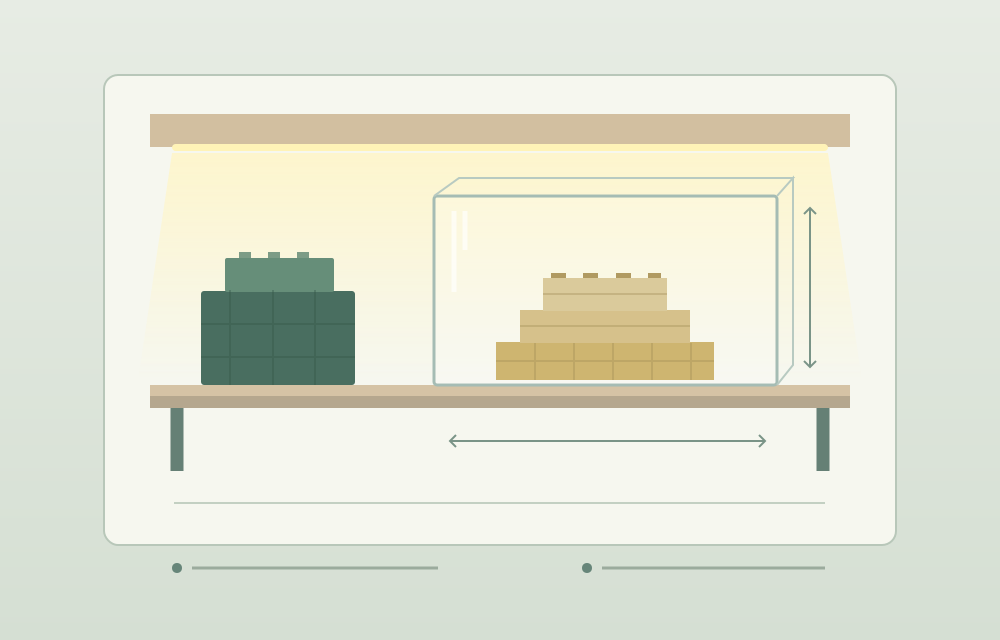
Illustrative display-planning diagram. Not a product photograph or a tested installation.
Measure the finished build, then the space
Measure the build at its widest, deepest and tallest points, including a stand, open wings, trees, antennae or anything that projects beyond the base. Check its footprint in the pose you intend to display. Then measure the usable shelf space rather than its advertised outer size. Allow room to lift the model, open a case and reach any moving parts. A paper template on the shelf is a useful way to check the layout before buying anything.
Choose a shelf for the whole load
Add up the weight of the build, its stand, a case and any accessories. Compare that total with the shelf or cabinet manufacturer’s stated limit for the actual installation. Wall type, fixings and bracket spacing matter; follow the maker’s mounting instructions and get help if you are unsure. Keep the entire base supported, avoid overhanging delicate sections and secure tall furniture as directed. Leave displays away from busy edges, dangling cables and places where children or pets could pull them down.
Start with the light already in the room
Look at the display in daylight and after dark. A nearby lamp or shelf light may be enough to make the whole model easier to see. Try the position before fitting anything permanently: a bright reflection in a clear case can hide the details. Keep builds out of direct sun and away from heat sources. If you want individual windows, engines or streetlights to glow, a set-specific lighting kit is an option worth investigating.
Check a light kit against your exact set
Match the LEGO set number, not just the theme or a similar model name. Check which kit version you are choosing and read its installation guide before ordering. Ask what comes in the box, whether any rebuilding is needed, how wires are routed and whether the model’s moving sections remain accessible. Confirm the required power source, voltage, connector and cable length, plus whether a power supply or batteries are included. Follow the supplier’s instructions and use only the specified compatible power equipment.
Plan the cable route before installation
Decide where the power lead, switches and any battery box will sit. Leave them reachable for turning off, changing batteries and maintenance. Keep wires away from hinges and sharp edges, with enough slack for the access the instructions require. Do not trap or force a wire between bricks, drill the model or modify electrical parts. Install gently, test as directed before closing the build and stop if a connector does not fit.
Make dust protection easy to live with
An enclosed cabinet or case can reduce how much dust reaches a build, but check its internal dimensions, base and opening method. Leave room for protruding pieces and for lifting the cover without catching them. For lighting, check that the case permits the cable route and ventilation the kit maker requires. A display that is easy to open and clean is more useful than one you hesitate to touch. Follow LEGO’s care guidance and the case maker’s cleaning instructions; remove or protect electrical accessories as their instructions require.
For the manufacturer’s cleaning advice, see LEGO’s brick-care guidance.
Leave room for your next change
Start with one display area and see how it fits your routine. Leave access to nearby sockets and a place for spare pieces and instructions. If the layout feels crowded, rotate a few builds instead of buying a larger shelf immediately. Before checkout, review delivery costs, any import charges, returns and the seller’s support options. Accessories, lights and display cases are separate purchases unless a listing clearly says otherwise.
Published October 10, 2026 · General buying guidance, not a hands-on product review.